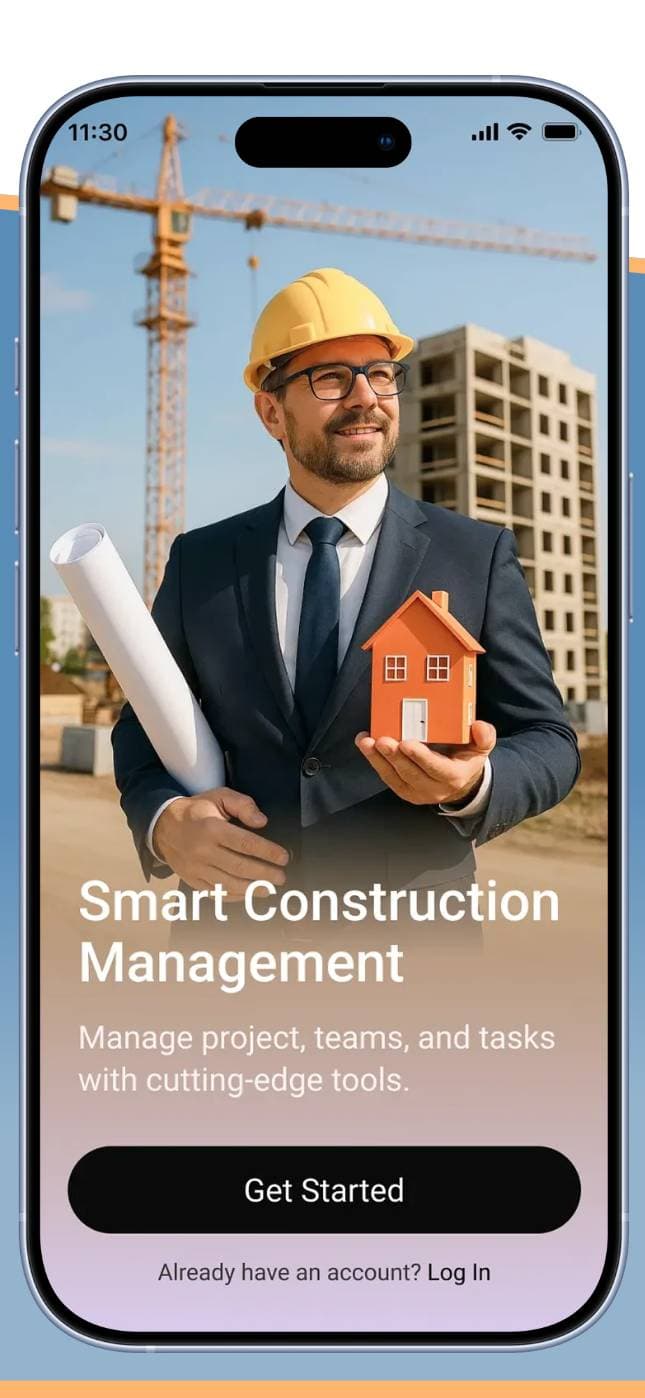
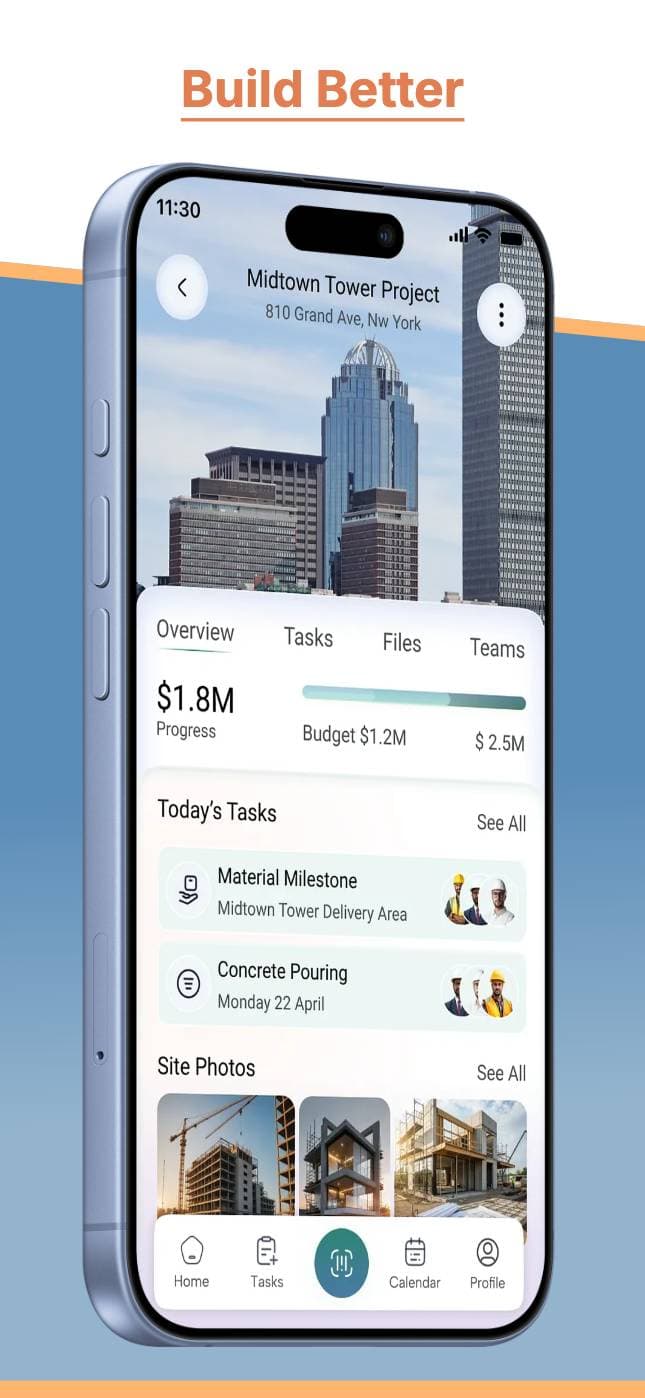
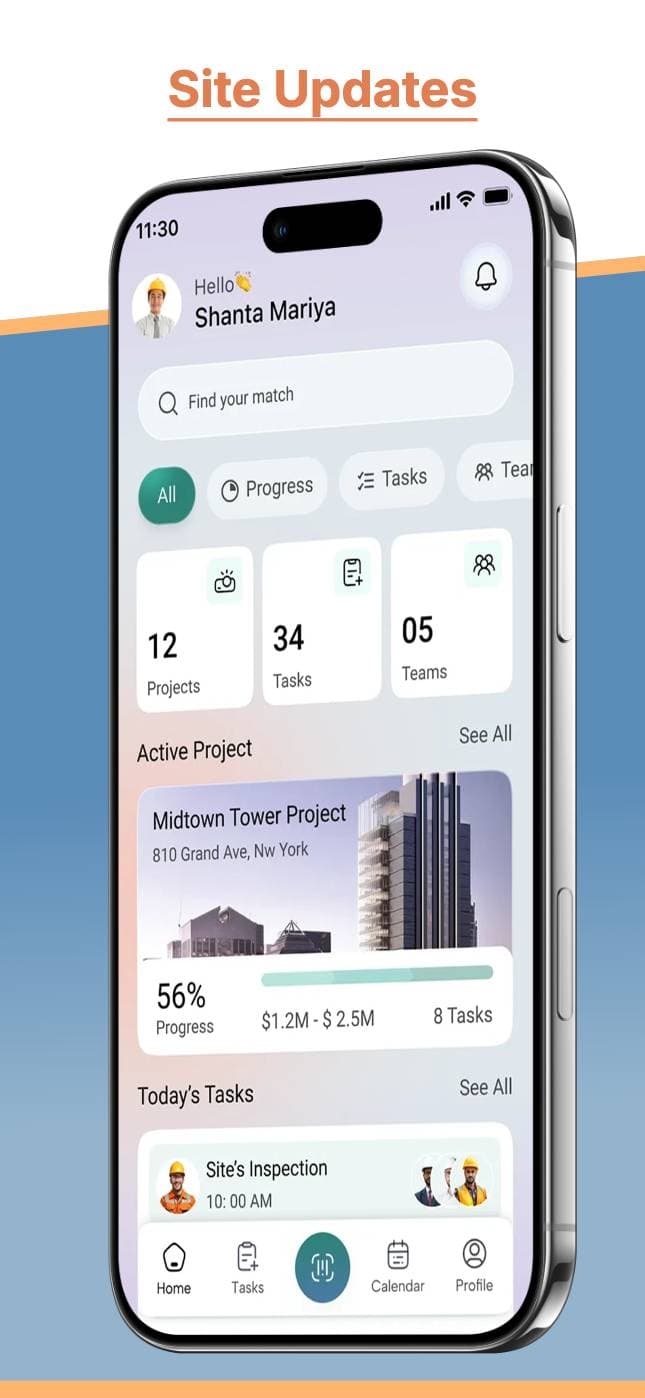
The AppMockUp Studio alternative for App Store & Play Store screenshots.
Free browser screenshot generator with no account required. Launch Shots is free with no export watermarks, translates your screenshots and listing copy into 84 store languages, and publishes both straight to App Store Connect and Google Play Console.
You get an editable design, not flat images.
Free to run — no account until you pick a direction.
No screenshots to hand? Start from 100+ templates.
Browse templates
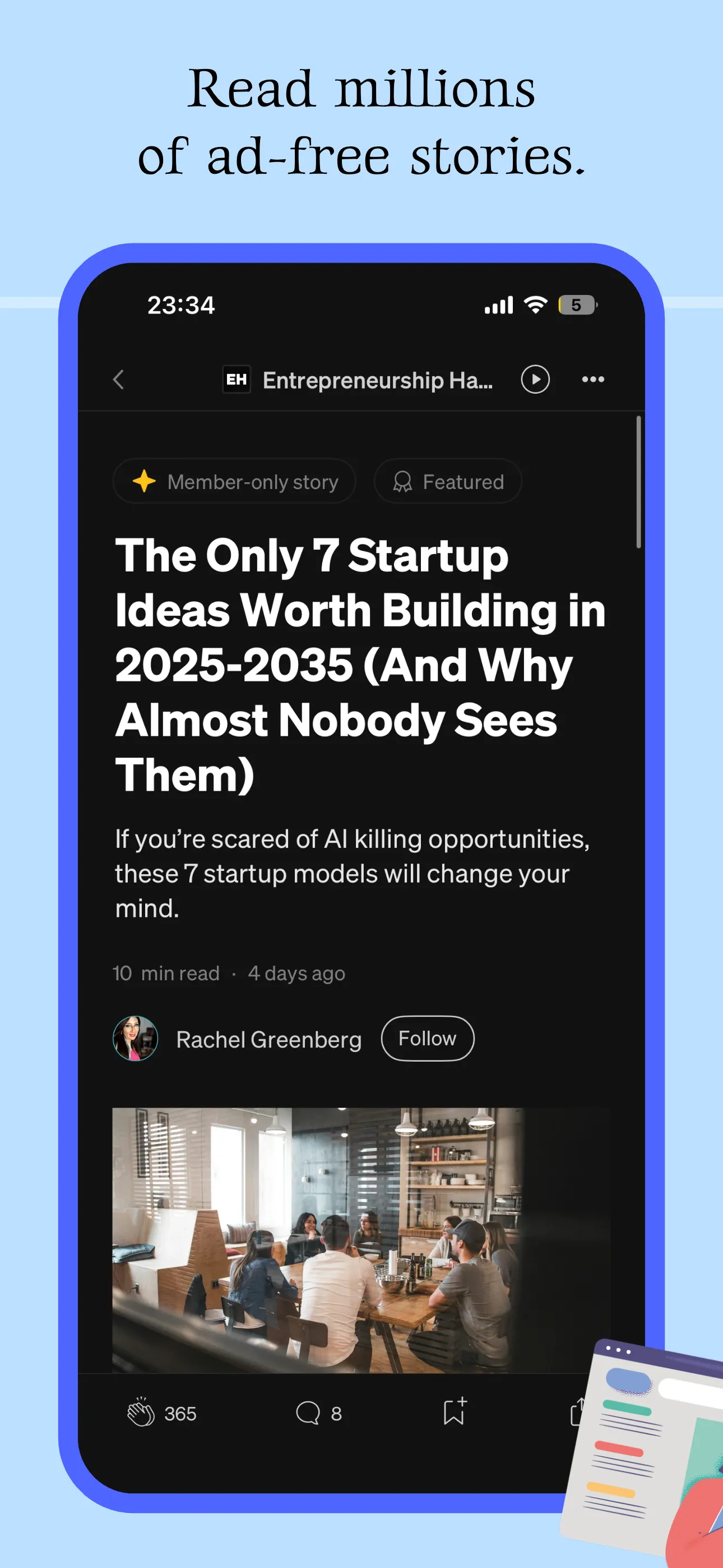
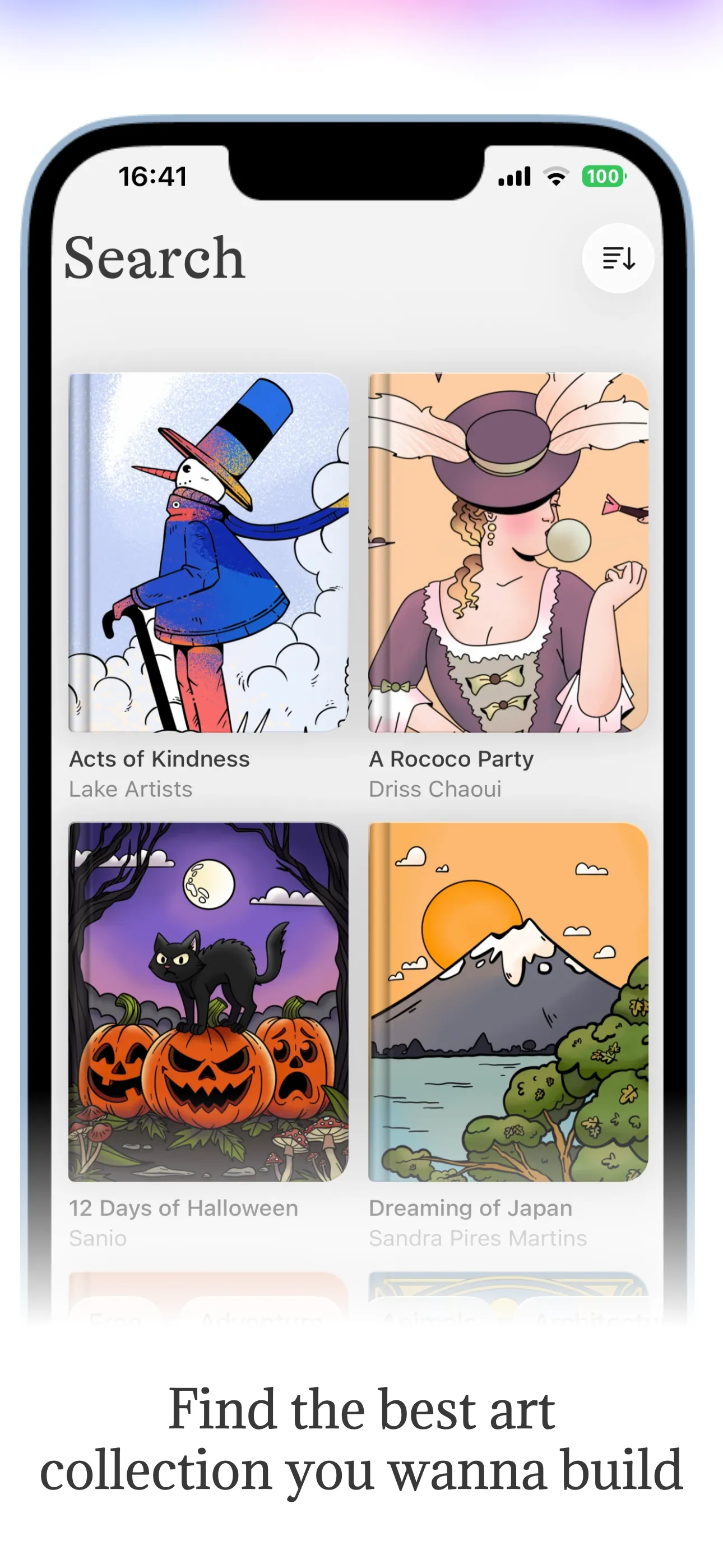
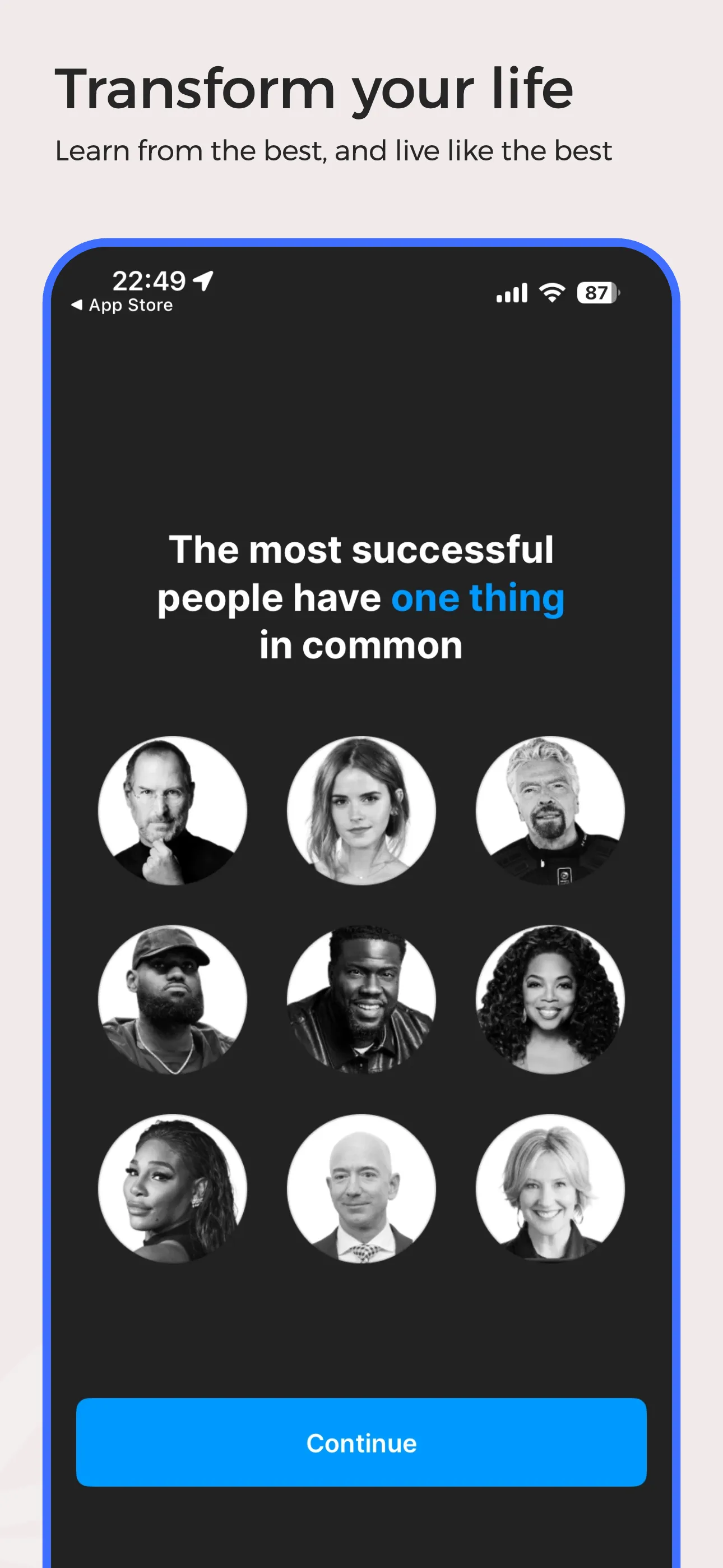
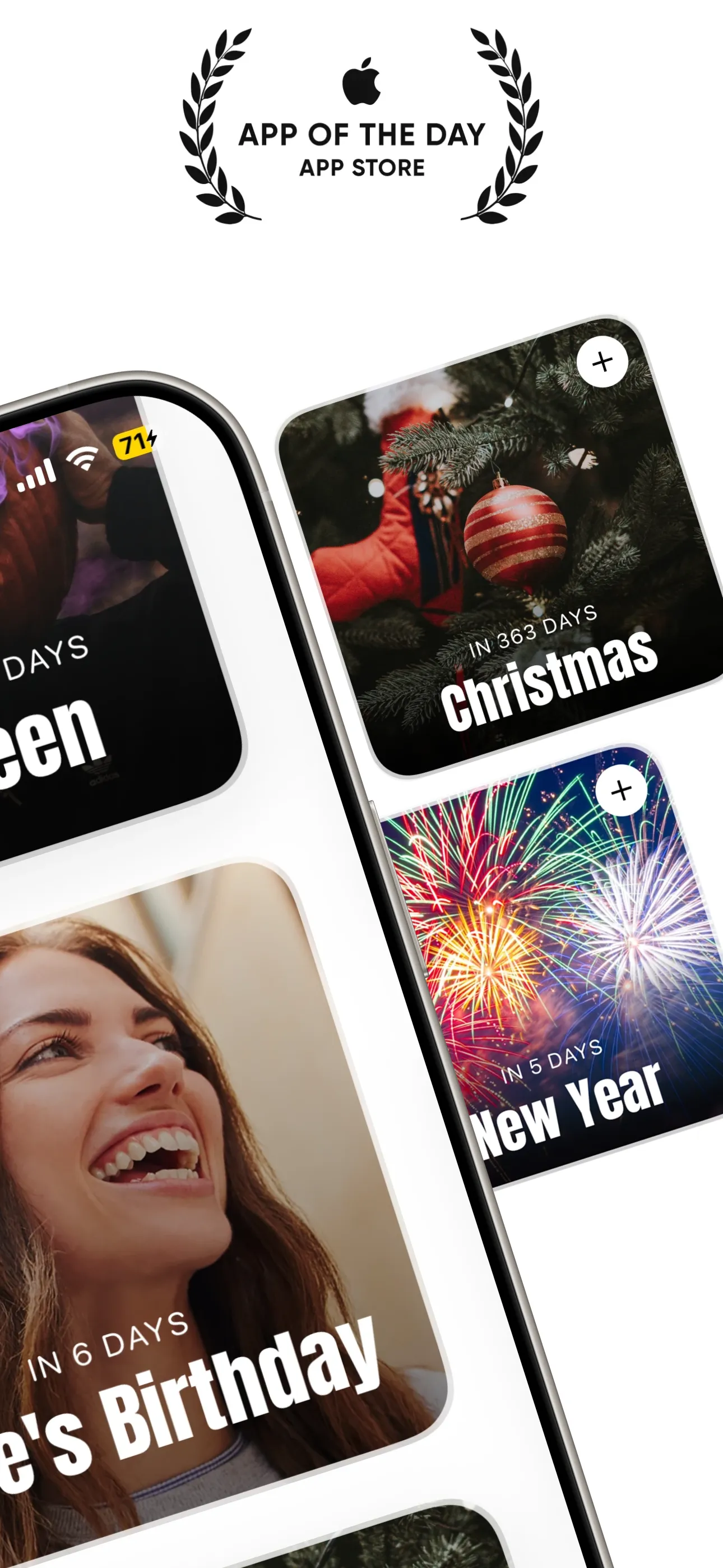
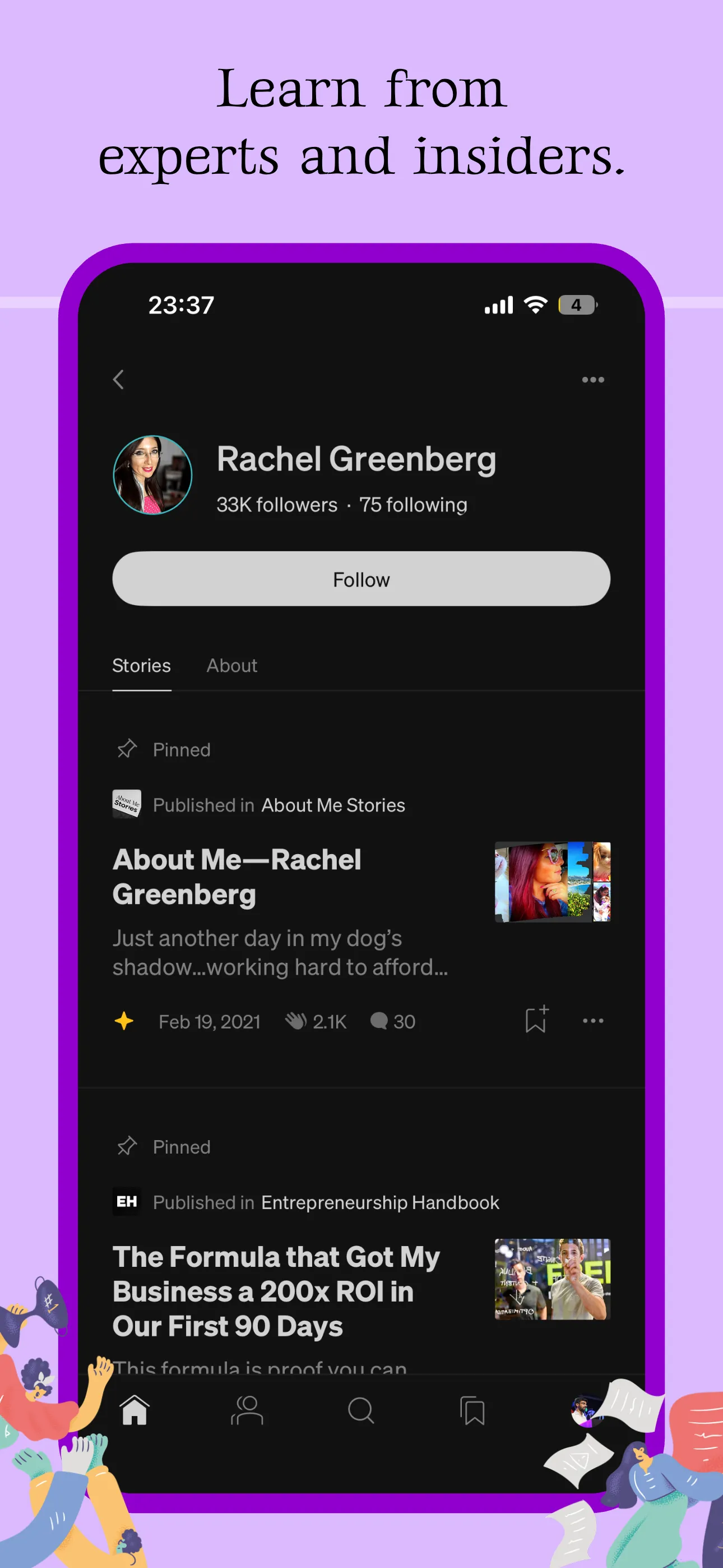
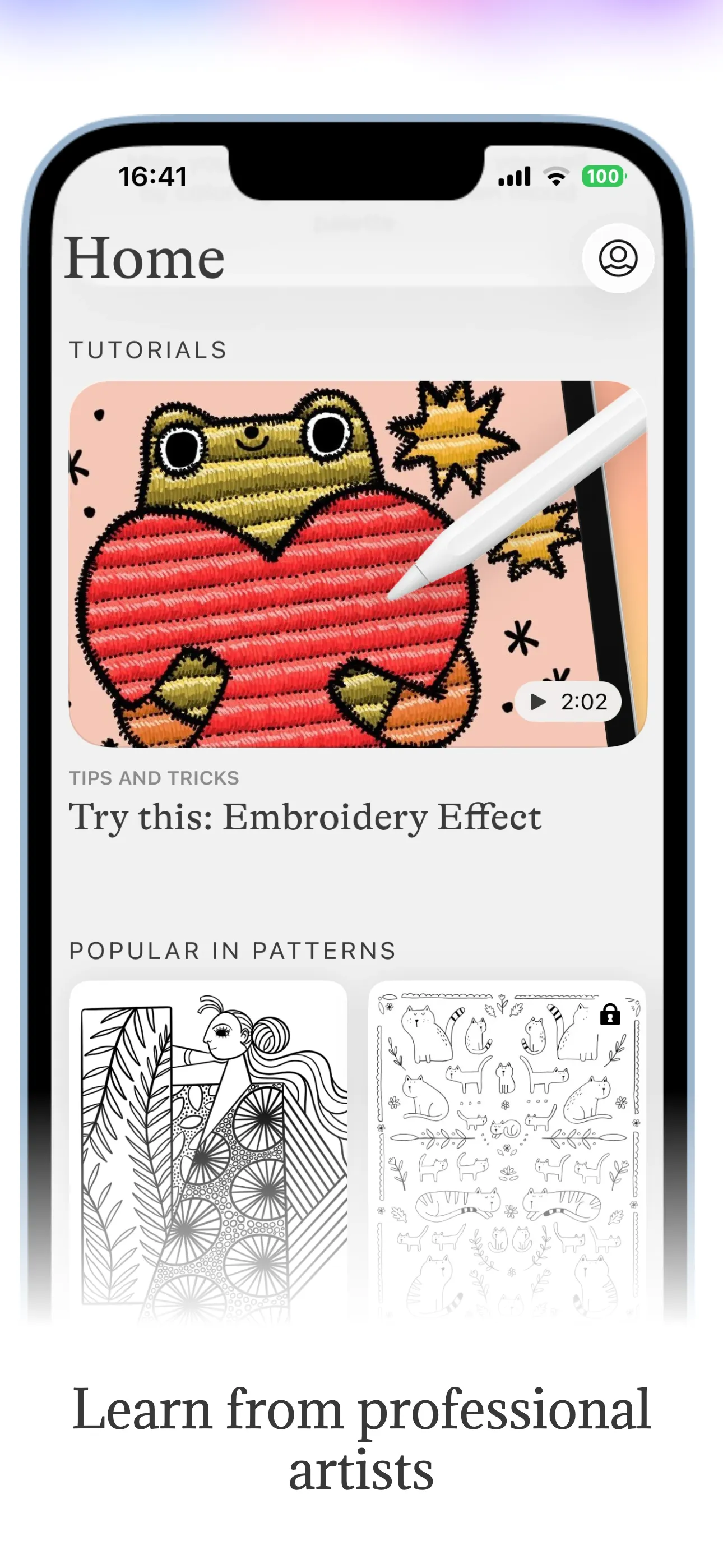
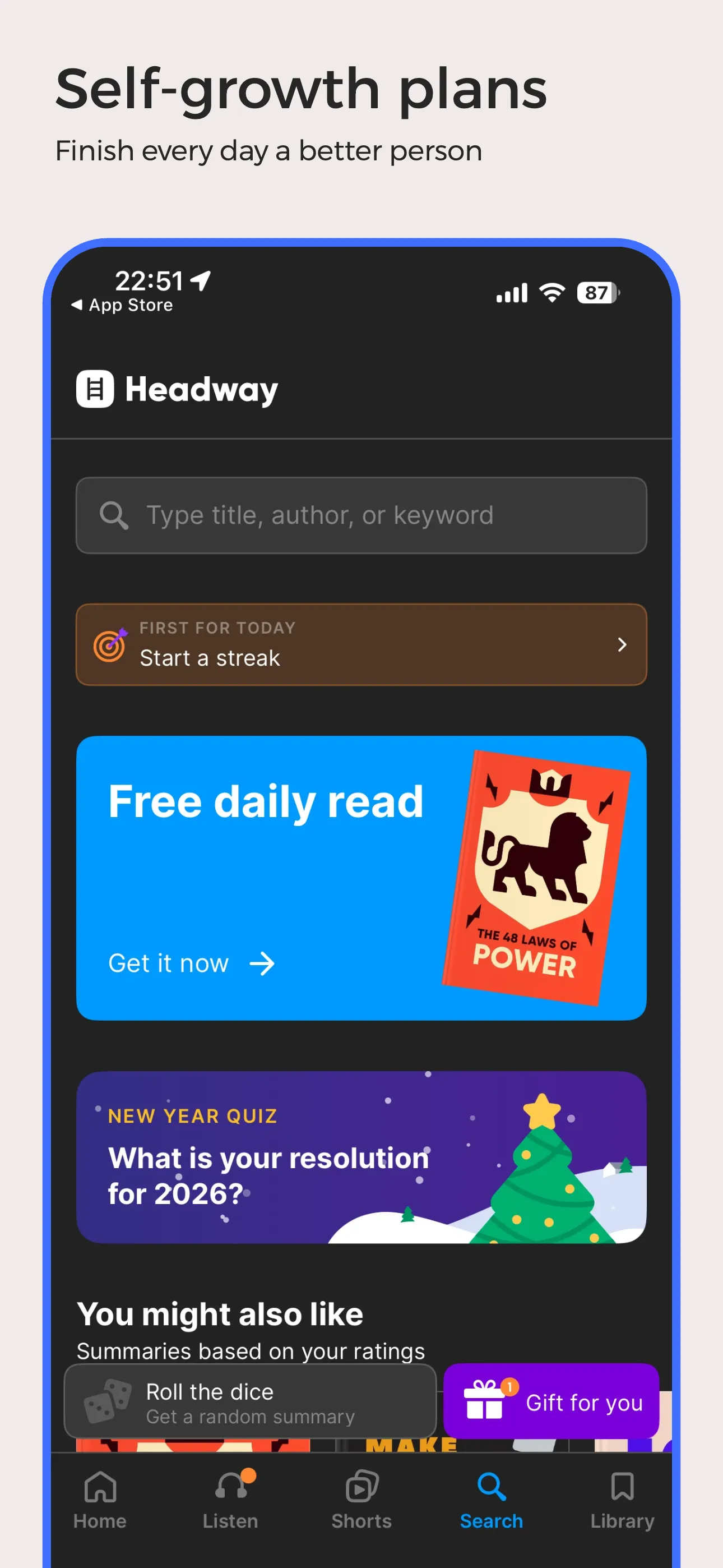
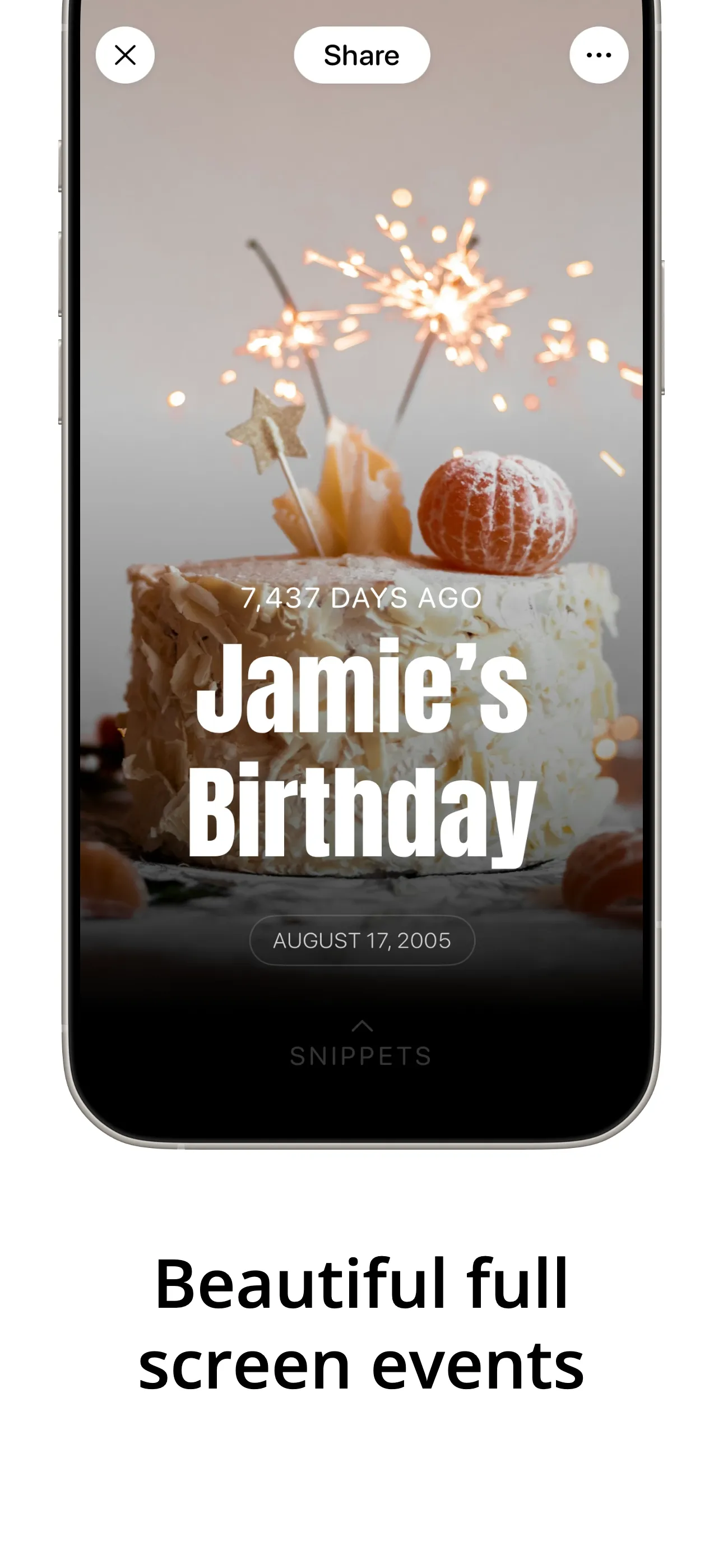
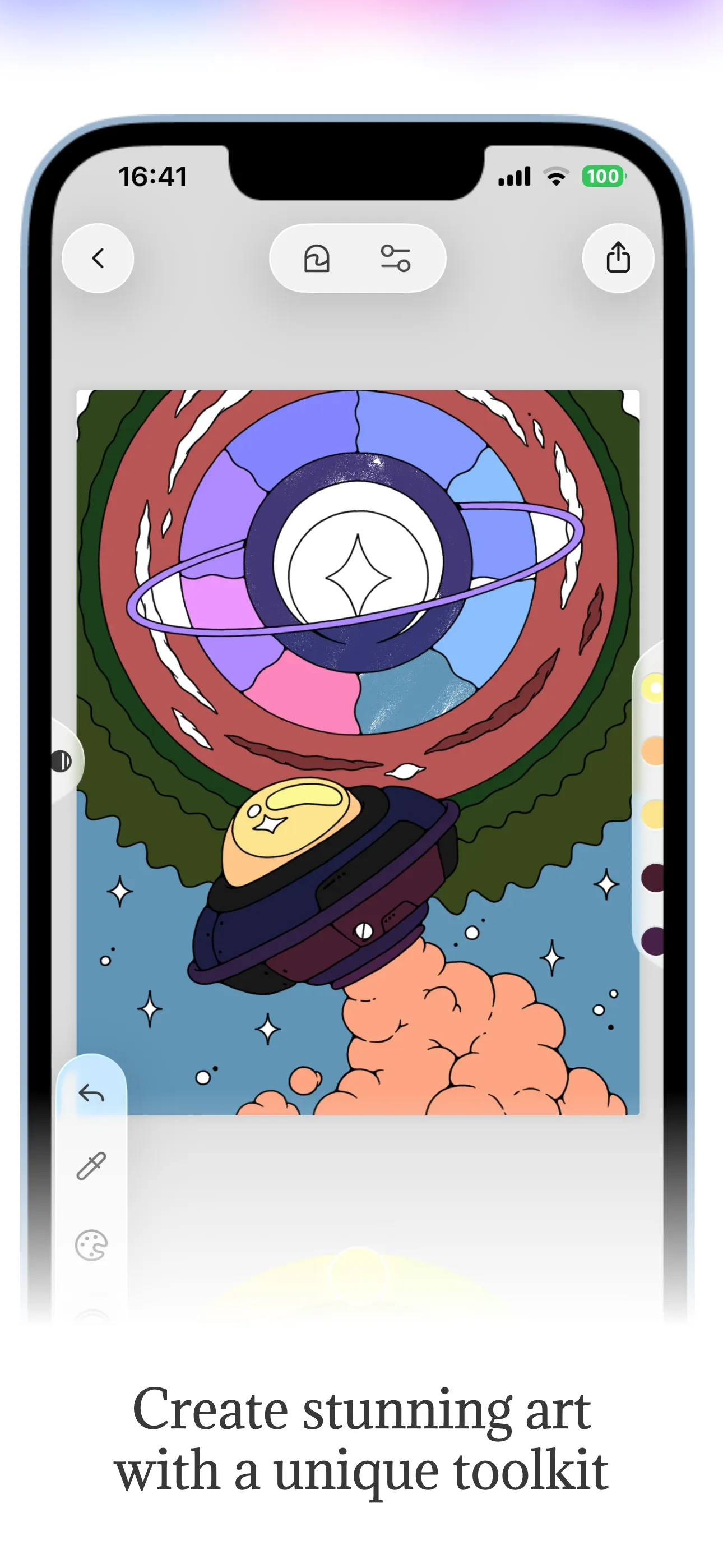
- 3 sets
- per generation
- Direct
- store publishing
- Apple data
- not estimates
- 100+
- templates
- Zero
- export watermarks
AppMockUp Studio is a genuinely good free option, and the no-account start is the fastest way into a first draft in this whole category. Launch Shots adds the parts that come after the design — translation into store languages, direct upload to both stores, and an ASO console — and keeps your work in an account so you can come back to it.
AppMockUp Studio is a free web tool for building App Store and Google Play screenshots with no account required. It covers device frame customisation, backgrounds (colour, gradient, image, panoramic), icons and logos, titles and subtitles, patterns, highlights and mesh gradients, with a preview before export. A beta feature lets one design serve both platforms.
No account, no card, no onboarding — you land on the page and start designing. If you want one set of screenshots today and never want to think about the tool again, that is hard to beat.
The gap shows up on the second launch and on international releases. There is no translation into store languages, no upload to App Store Connect or Google Play Console, and no ASO tooling — so the listing work after the design is still manual. Launch Shots covers that end and keeps projects saved across launches.
A fast, free first set of store screenshots with no sign-up and no commitment.
Launch Shots vs AppMockUp Studio, feature by feature
AppMockUp Studio details checked against their own site and store listing in August 2026. Pricing in this category changes often — check AppMockUp Studio for current rates. Spot something out of date? Tell us and we’ll fix it.
| Feature | Launch Shots | AppMockUp Studio |
|---|---|---|
| Free with no export watermark | Yes — every export, every plan | Free, no watermark stated |
| Free plan allowance | 1 full screenshot set / month, no card | Free, no account required |
| Apple device frames | iPhone, iPad, Apple Watch, Mac | iPhone and iPad frames |
| Android device frames | Pixel phones, plus Android phone and tablet export sizes | Yes — Google Play support |
| Store languages | 3 free · 15 with credits or the Launch Kit · all 84 on Unlimited | No |
| Templates | 100+, added weekly | Template and background library |
| Device frames | 50+ frames | Standard device frames |
| Direct upload to stores | Yes — App Store Connect + Play Console, multi-account | No |
| ASO console | Free on every plan — listing audit, keyword rank tracking, impact analysis | No |
| Platform | Web — any OS, any browser | Web |
| Subscription required | No — credits and the 14-day Launch Kit are one-time | None stated |
| Pricing | Free · from $1.93/credit · $39 Launch Kit · $19/mo or $149/yr unlimited | Free |
The other half of a launch: the copy around your screenshots, and what it ranks for.
The copy around your screenshots is half the listing, and it is usually the half that gets edited in a browser tab at midnight. Launch Shots reads it from the store, keeps every locale in one place, tracks what each one ranks for, and writes it back when you are ready.
Listing — every locale
One grid · every locale · written back
- 01
Pull the live listing
Connect App Store Connect or Google Play with your own credentials, add an app, and every locale you have already published comes down as an editable draft.
- 02
Edit every field
Name, subtitle, description, keywords, promotional text, what’s new. Each one is checked against the store’s character limit while you write, so nothing gets rejected on submission.
- 03
Translate the rest
Write once in your source language and translate into the others. When the source copy moves, only the translations that went stale are flagged — hand-edited ones are left alone.
- 04
Publish copy and screenshots together
Bind your screenshot sets to a locale and push both back in one run. Anything that changed on the store since you pulled is shown side by side before a word is written.
- 05
Watch what it actually ranks for
The ASO console scores the listing against the store’s own rules, reads a keyword’s rank daily and charts it, and tells you whether your last edit moved anything. Free on every plan, including the free one.
Pulling, editing and translating are free. Credits are only spent when something is written to the store — 1 per locale published.
Launch in every language, not just English.
Translate a single screenshot into every App Store & Play Store language in one click. AI preserves your layout, fonts, and design — no re-design, no manual copy-paste. Right-to-left scripts and non-Latin characters just work.
Same screenshot · Every market · One click
Source
Plan your perfect week
Focus on what matters. Every day.
Localized
Plan your perfect week
Focus on what matters. Every day.
Every store language
From Spanish to Swahili
1-click workflow
No manual re-typing
Layout-preserving
Fonts, spacing, design intact
RTL & non-Latin
Arabic, Hebrew, Hindi, Thai
Loved by app creators.
Here's what people are saying after using Launch Shots for their app launches.
"I've tried a whole bunch of these tools, and this is BY FAR the best."
Downgate Labs
"Amazing tool, every developer should use to improve Appstore/Playstore marketing for your app(s)."
George
"I spent weeks teaching myself image editing just to make an app store display and it wasn't working out. I'm so glad I searched out a better way and found Launch Shots."
Jeff
"Thank you for making this tool! You are a saviour!"
Fenil
"Used this to generate some images for a Product Hunt launch — and I learned about this app on Product Hunt :) All in all, a pretty good experience. I was able to do everything I wanted. The ease of using the device frames was my favorite feature."
Ethan
"Really thanks to you and the developer team for this whole easy-to-use experience — and it's free! Thanks so much, you don't know how much you helped me."
The Rock
"This is the best App screenshot generator!! :)"
Yayo Zenteno
"I like the ready-made templates. It's also user friendly."
State Capture
"Amazing experience so far, very helpful tooling."
forked
"Searched for a long time and finally found you."
Азат Керимкулов
"Amazing"
Get Spnsr
"Straight forward and into the point, no complexity."
Mostafa
"Nice and clean."
Waleed
Frequently asked
Is AppMockUp Studio free?
Yes — it is free to use and does not require an account. That makes it one of the quickest ways to get a first set of store screenshots.
Does AppMockUp Studio translate screenshots or upload to the stores?
No. It produces the images; translating them into store languages and uploading them to App Store Connect or Google Play Console are separate manual steps. Launch Shots handles both from the same editor.
Why would I use Launch Shots instead?
Mainly if you are shipping in more than one language, publishing to both stores, or launching more than once — translation, direct upload with multi-account support, saved projects and a free ASO console are the difference. For a single quick set, AppMockUp Studio is a fine choice.
Mockuuups Studio alternative
Mockup-focused design tool with a large device and lifestyle library
PreviewedPreviewed alternative
3D mockup generator with a strong device animation library
Screenshot.rocksScreenshot.rocks alternative
Free browser and mobile screenshot mockup tool
ButterKitButterKit alternative
macOS-native screenshot studio for Apple platform developers