The App Store screenshot generator that tells you what worked.
Three finished directions from the screens you already have — published straight to the store, then measured with the store’s own numbers.
You get an editable design, not flat images.
Free to run — no account until you pick a direction.
No screenshots to hand? Start from 100+ templates.
Browse templates
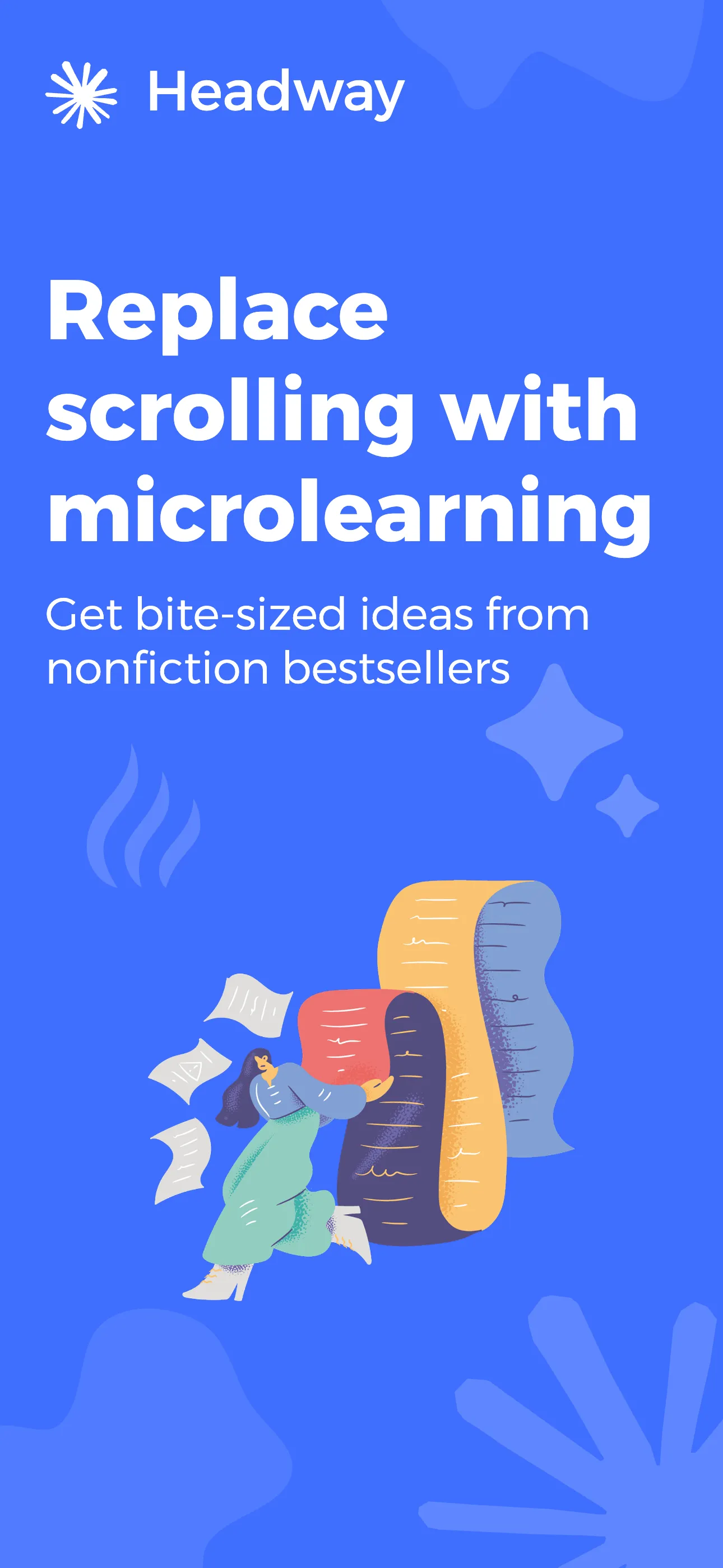
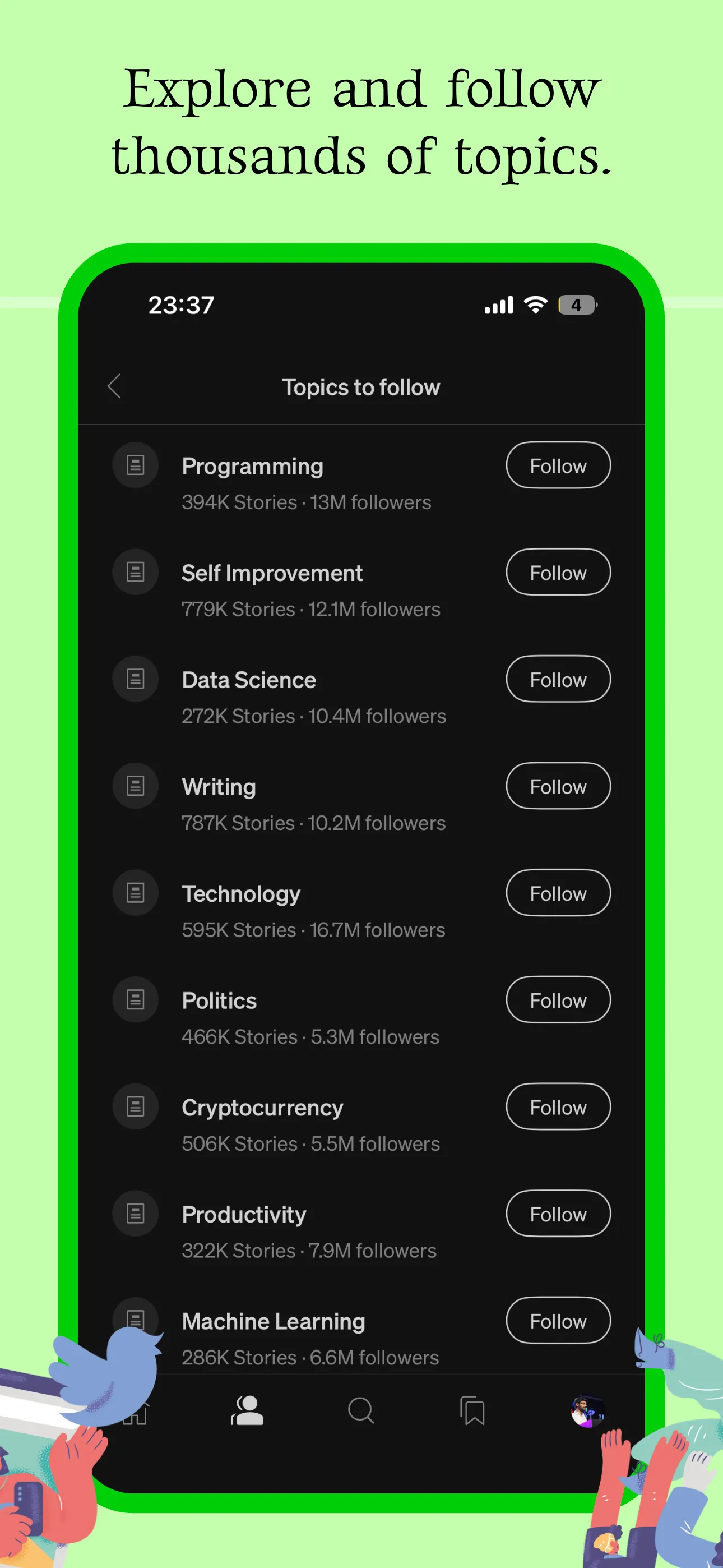
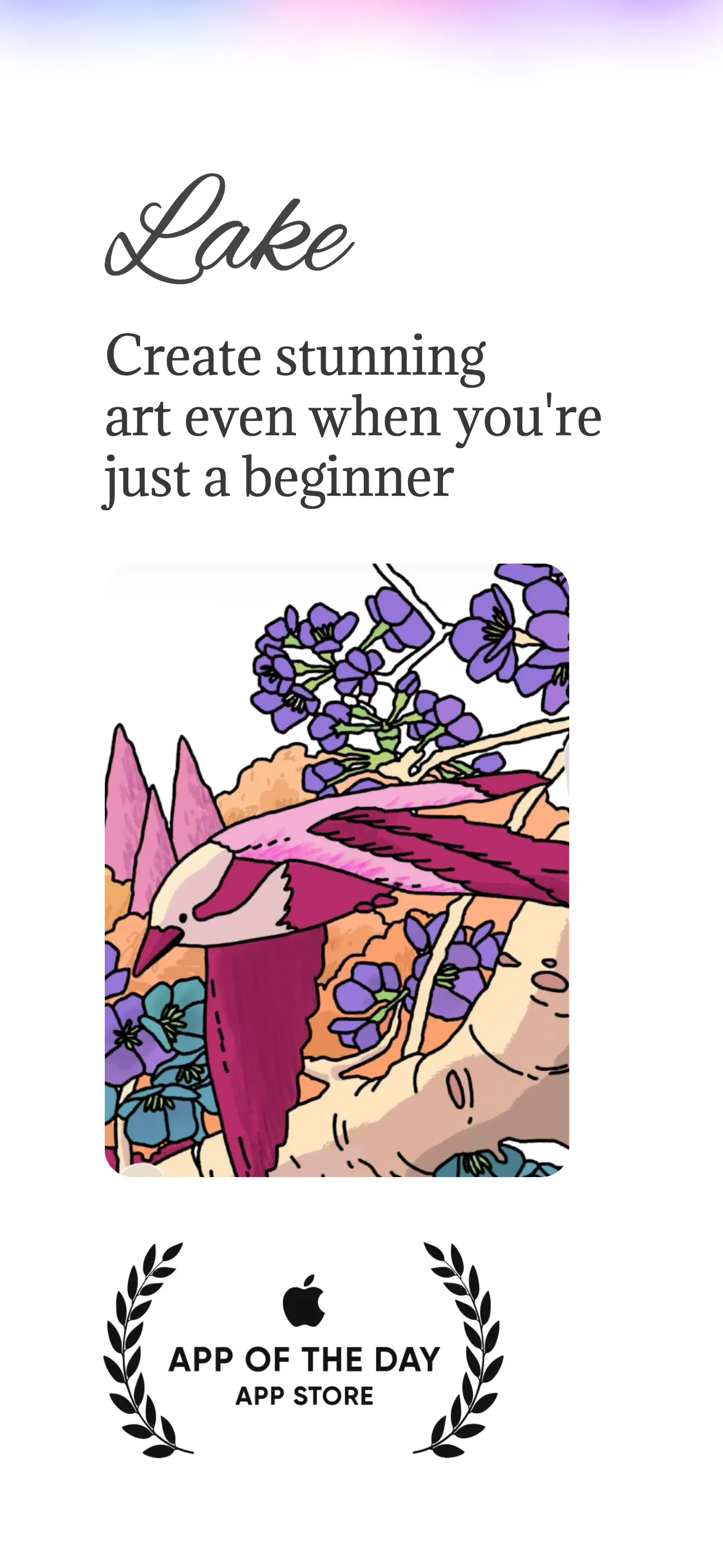
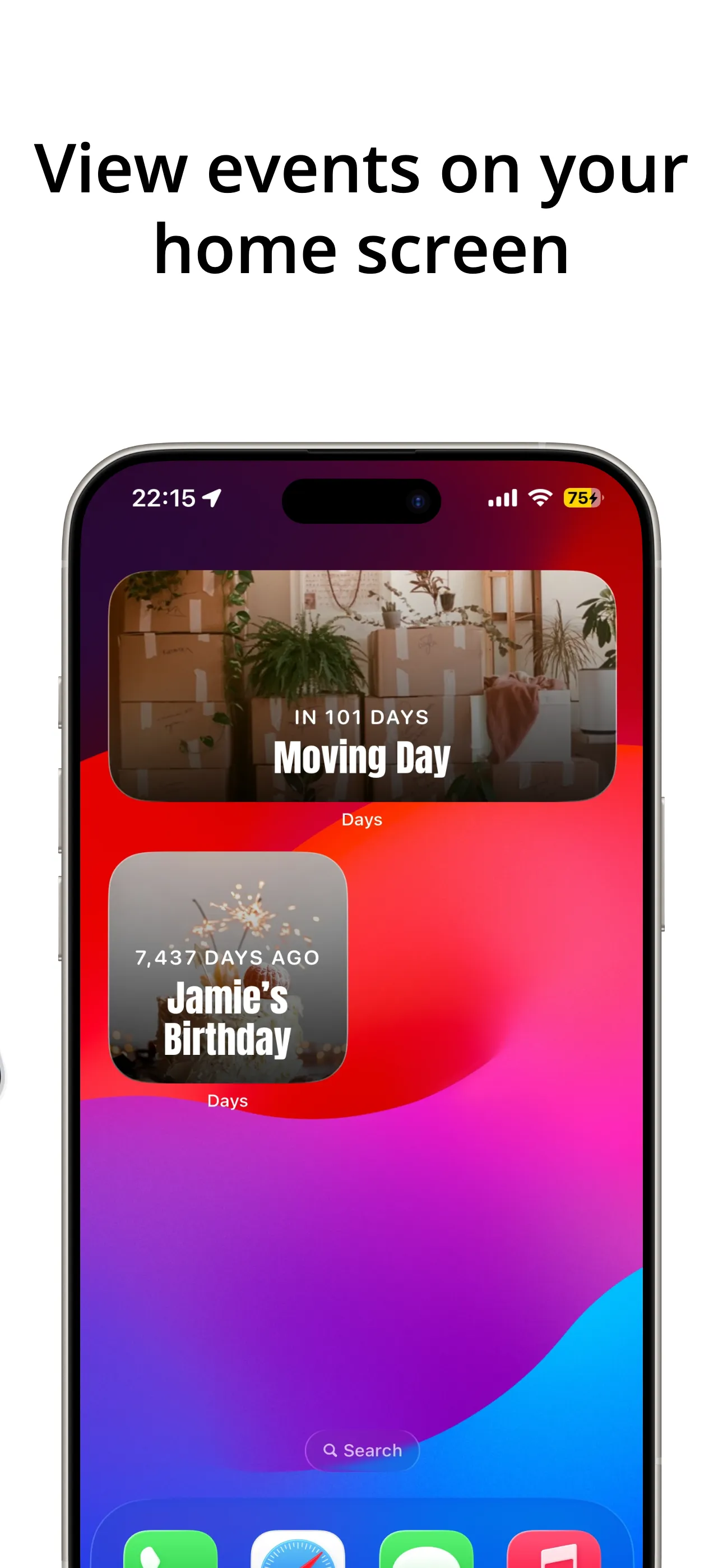
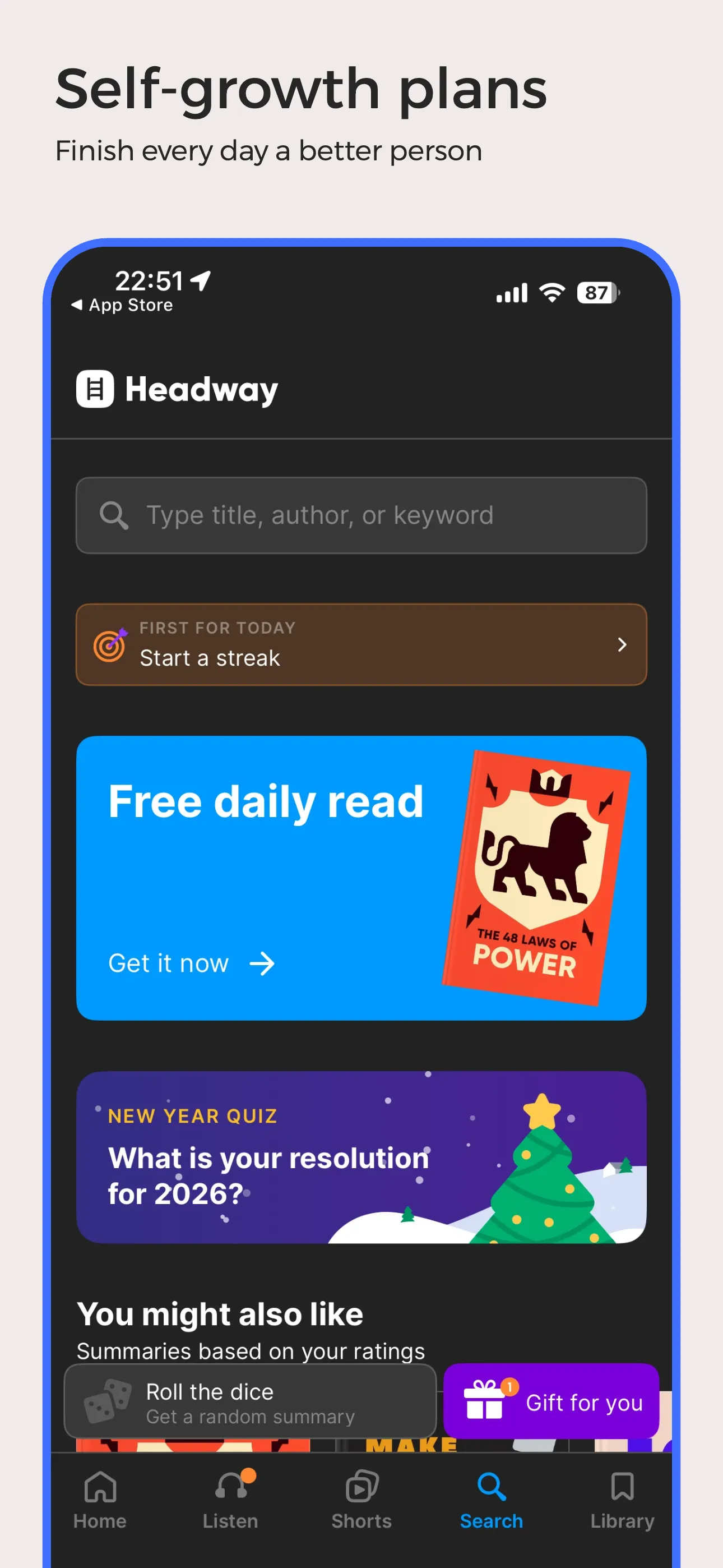
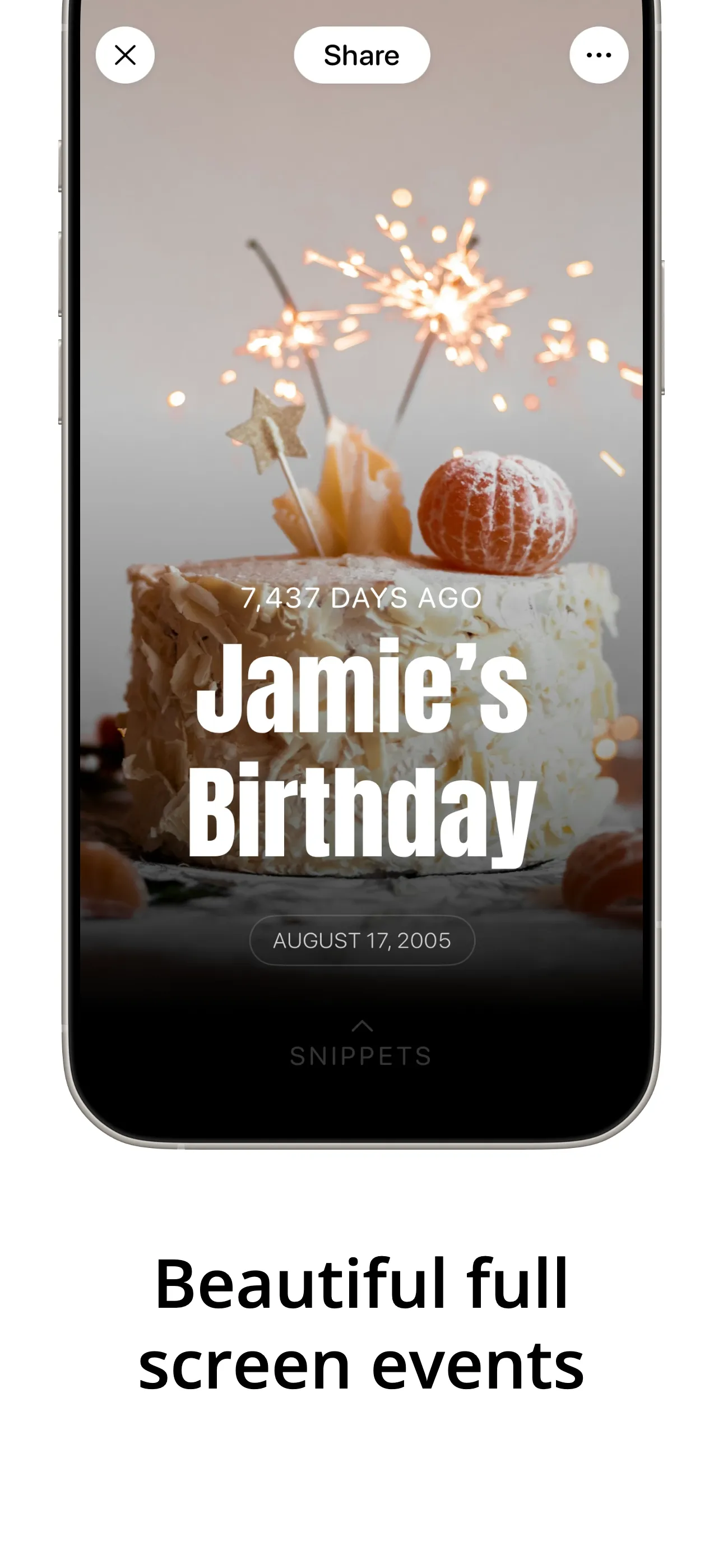
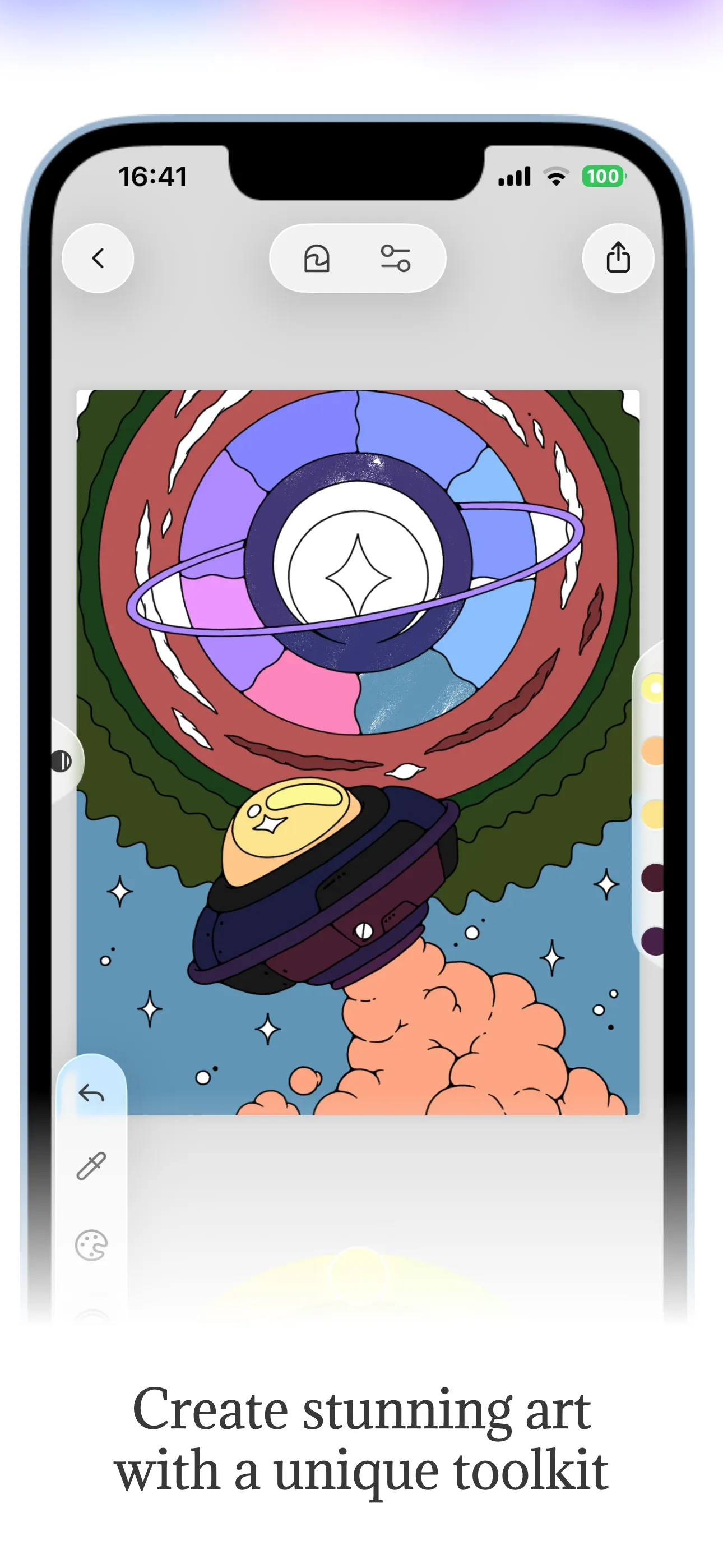
- 3 sets
- per generation
- Direct
- store publishing
- Apple data
- not estimates
- 100+
- templates
- Zero
- export watermarks
Every other screenshot tool stops at the export.
They hand you a PNG and the story ends. You upload it yourself, and then you guess. Launch Shots publishes the set for you and reads the store’s own numbers back, so the next version is a decision instead of a hunch.
- 01Design
Three directions, not one export
Upload the screens you already have. AI writes a headline for each one and returns three complete art directions over the same copy — different palette, typeface, device and rhythm. Everything stays editable.
Every tool in this category does some version of this.
- 02Publish
Straight into App Store Connect and Play Console
Connect once and the finished set goes to the store from here — screenshots and listing copy together, in every locale, with character limits and store rules checked before anything is submitted. No zip file, no upload queue, no Finder.
Almost nothing else in the category does this.
- 03Measure
Then the store tells you what happened
Your impressions, product page views and conversion rate come back from Apple's own App Analytics under your credential — not modelled from panel data — next to a daily keyword rank sweep and a marker on the day you published. You can see the before and the after.
Nothing else that designs screenshots can show you this.
Upload your app. Get three finished directions back.
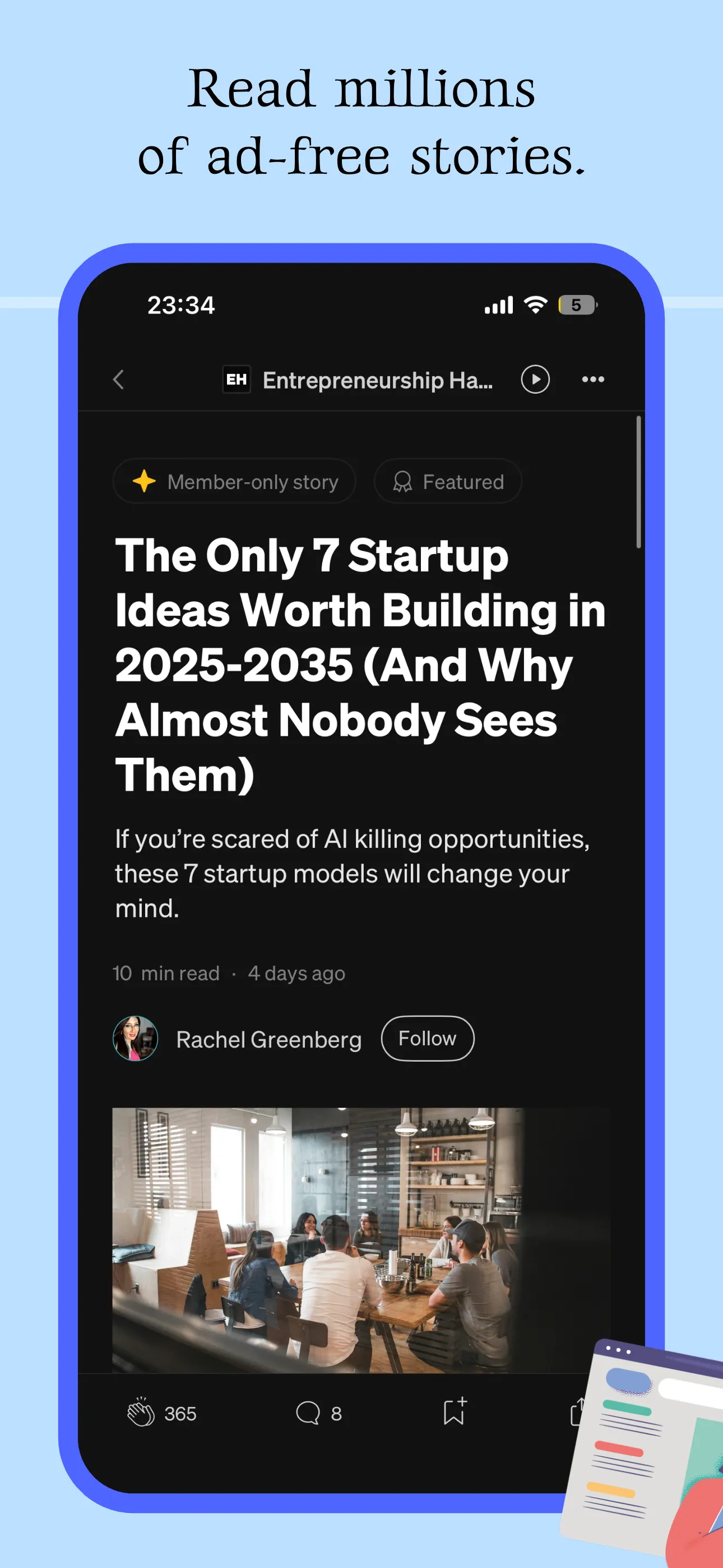
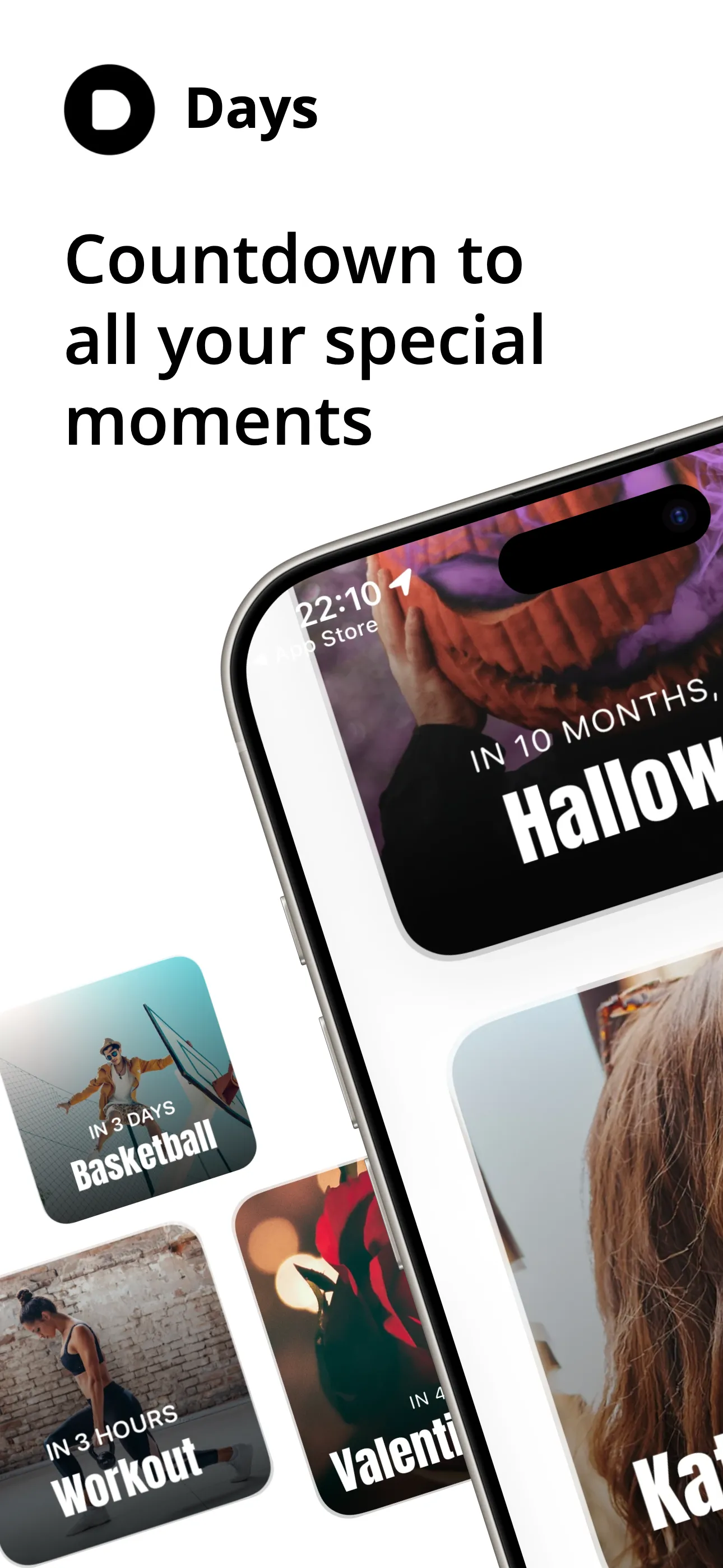
Most screenshot tools hand you an empty canvas and a device frame, and the hard part — what each screen should say — is still yours. This reads the screenshots you already have, writes a headline for each one, and lays out the whole set three different ways in about a minute.
Sleek
Warm
Deep
One generation. Three directions. Everything still editable.
- 01
Upload the screenshots you already have
Straight from the simulator or your phone — up to ten. They are the brief: they say what each screen does, what order the app makes sense in, and what colours the product already uses.
- 02
It writes the copy and art-directs the set
A headline per screen, written for what that screen actually shows rather than paraphrased from your description, in any language the store accepts. The set is ordered to build an argument instead of listing features.
- 03
Pick one of three directions
One generation returns three complete designs over the same copy — different palette, typeface, device and rhythm. Switching between them is free, and every word, colour and layout stays editable afterwards.
Your first generations are on us. After that it is one credit each — and the three directions come out of a single one.
Your next screenshot set is three uploads away.
Drop in the screens you already have and get three finished directions back. Free generations to start, no watermarks on any export, and every word and colour stays editable.
Everything you need for perfect screenshots.
An AI that writes and designs the set, an editor for everything after that, and an ASO console to tell you whether it worked.
Original & Community Templates
Start from scratch or pick from 100+ professionally designed templates — new ones added every week by us and the community.
Versatile Editor
Powerful layer management, shadows, backgrounds, and device frames at your fingertips.
Share & Showcase
Share your creations with the world. Gain visibility by showcasing your work on our platform.
AI Screenshot Generation
Upload the screenshots you already have and get three finished directions back — copy written per screen, laid out, and still fully editable.
Dedicated Apps Page
Get a dedicated page for your app to showcase all your screenshot variations.
High Quality Exports
Export in high resolution suitable for App Store, Play Store, and social media.
AI Localization
Automatically translate your screenshots into every App Store and Play Store language with AI-powered precision.
Weekly Updates
Fresh templates, screens, and assets added every week to keep your designs current.
Unrestricted Editing
No last minute surprises. Every template, element and effect works on the free plan — downloads are the only thing we meter.
Features built for the details that matter.
We've solved the friction points other screenshot tools ignore — so you can stop working around them.
Frame Extension — in action
One element · perfectly aligned · every time
Frame Extension
Want a hero image or UI element to bleed across two adjacent screens? Other tools force you to manually duplicate the element, paste it into the next frame, and eyeball it into alignment. In Launch Shots, you set one value — the editor handles the rest, pixel-perfectly every time.
- ✓Span any element across adjacent frames automatically
- ✓No manual duplication or pixel nudging required
- ✓Works with images, shapes, device mockups, and more
Built-in Magnifier — in action
No re-exports · no extra tools · just zoom
Built-in Magnifier
Highlight a subtle UI detail or draw attention to a key interaction — without leaving the editor. Place a magnifier on any part of your screenshot and adjust the zoom level to make it pop, right inside Launch Shots.
- ✓Zoom into any area of your screenshot or design
- ✓Adjustable zoom level and lens size
- ✓Fully built into the editor — no extra tools or re-exports
Direct Publishing — in action
No zips · no uploads · just ship
Direct App Store & Play Store Publishing
Skip the zip files, the manual drag-and-drop, and the tab-switching. Connect App Store Connect or Google Play once, hit Publish, and your finished screenshots land in the right device slots, in the right order, across every locale — without leaving Launch Shots.
- ✓Push directly to App Store Connect and Google Play
- ✓Auto-maps each screenshot to the correct device size and locale
- ✓Connect multiple stores and we handle screenshot generation, upload and ordering
The other half of a launch: the copy around your screenshots, and what it ranks for.
The copy around your screenshots is half the listing, and it is usually the half that gets edited in a browser tab at midnight. Launch Shots reads it from the store, keeps every locale in one place, tracks what each one ranks for, and writes it back when you are ready.
Listing — every locale
One grid · every locale · written back
- 01
Pull the live listing
Connect App Store Connect or Google Play with your own credentials, add an app, and every locale you have already published comes down as an editable draft.
- 02
Edit every field
Name, subtitle, description, keywords, promotional text, what’s new. Each one is checked against the store’s character limit while you write, so nothing gets rejected on submission.
- 03
Translate the rest
Write once in your source language and translate into the others. When the source copy moves, only the translations that went stale are flagged — hand-edited ones are left alone.
- 04
Publish copy and screenshots together
Bind your screenshot sets to a locale and push both back in one run. Anything that changed on the store since you pulled is shown side by side before a word is written.
- 05
Watch what it actually ranks for
The ASO console scores the listing against the store’s own rules, reads a keyword’s rank daily and charts it, and tells you whether your last edit moved anything. Free on every plan, including the free one.
Pulling, editing and translating are free. Credits are only spent when something is written to the store — 1 per locale published.
Find out whether your screenshots are costing you installs.
Connect App Store Connect or Google Play and Launch Shots pulls your live listing, tracks what your keywords rank for, and shows you what conversion did after you published. Pulling, editing and translating cost nothing.
Launch in every language, not just English.
Translate a single screenshot into every App Store & Play Store language in one click. AI preserves your layout, fonts, and design — no re-design, no manual copy-paste. Right-to-left scripts and non-Latin characters just work.
Same screenshot · Every market · One click
Source
Plan your perfect week
Focus on what matters. Every day.
Localized
Plan your perfect week
Focus on what matters. Every day.
Every store language
From Spanish to Swahili
1-click workflow
No manual re-typing
Layout-preserving
Fonts, spacing, design intact
RTL & non-Latin
Arabic, Hebrew, Hindi, Thai
Loved by app creators.
Here's what people are saying after using Launch Shots for their app launches.
"I've tried a whole bunch of these tools, and this is BY FAR the best."
Downgate Labs
"Amazing tool, every developer should use to improve Appstore/Playstore marketing for your app(s)."
George
"I spent weeks teaching myself image editing just to make an app store display and it wasn't working out. I'm so glad I searched out a better way and found Launch Shots."
Jeff
"Thank you for making this tool! You are a saviour!"
Fenil
"Used this to generate some images for a Product Hunt launch — and I learned about this app on Product Hunt :) All in all, a pretty good experience. I was able to do everything I wanted. The ease of using the device frames was my favorite feature."
Ethan
"Really thanks to you and the developer team for this whole easy-to-use experience — and it's free! Thanks so much, you don't know how much you helped me."
The Rock
"This is the best App screenshot generator!! :)"
Yayo Zenteno
"I like the ready-made templates. It's also user friendly."
State Capture
"Amazing experience so far, very helpful tooling."
forked
"Searched for a long time and finally found you."
Азат Керимкулов
"Amazing"
Get Spnsr
"Straight forward and into the point, no complexity."
Mostafa
"Nice and clean."
Waleed
Specs, comparisons and the things that convert.
You don’t need an account to read any of this, and none of it assumes you’ll pick us.
- Spec
App Store and Play Store screenshot sizes
Every required dimension for iPhone, iPad, Android phones and tablets, including the 6.9" and 13" sizes Apple now scales the rest from.
- Comparison
The best app store screenshot generators, compared
An honest read of what every tool in this category does well, including the ones that beat us on price and the ones that beat us on templates.
- iOS
App Store screenshot generator
Device frames, layouts and export sizes for every current iPhone and iPad, with no export watermark on any plan.
- Android
Play Store screenshot generator
Google Play's phone, 7-inch and 10-inch tablet requirements, plus the 1024×500 feature graphic.
- Guide
What makes a screenshot set convert
The first two screenshots do most of the work. What to put in them, what order to argue in, and the mistakes that cost installs.
- Guide
How to A/B test App Store screenshots
Running a product page optimisation test in App Store Connect, how long to leave it, and how to read the result.