
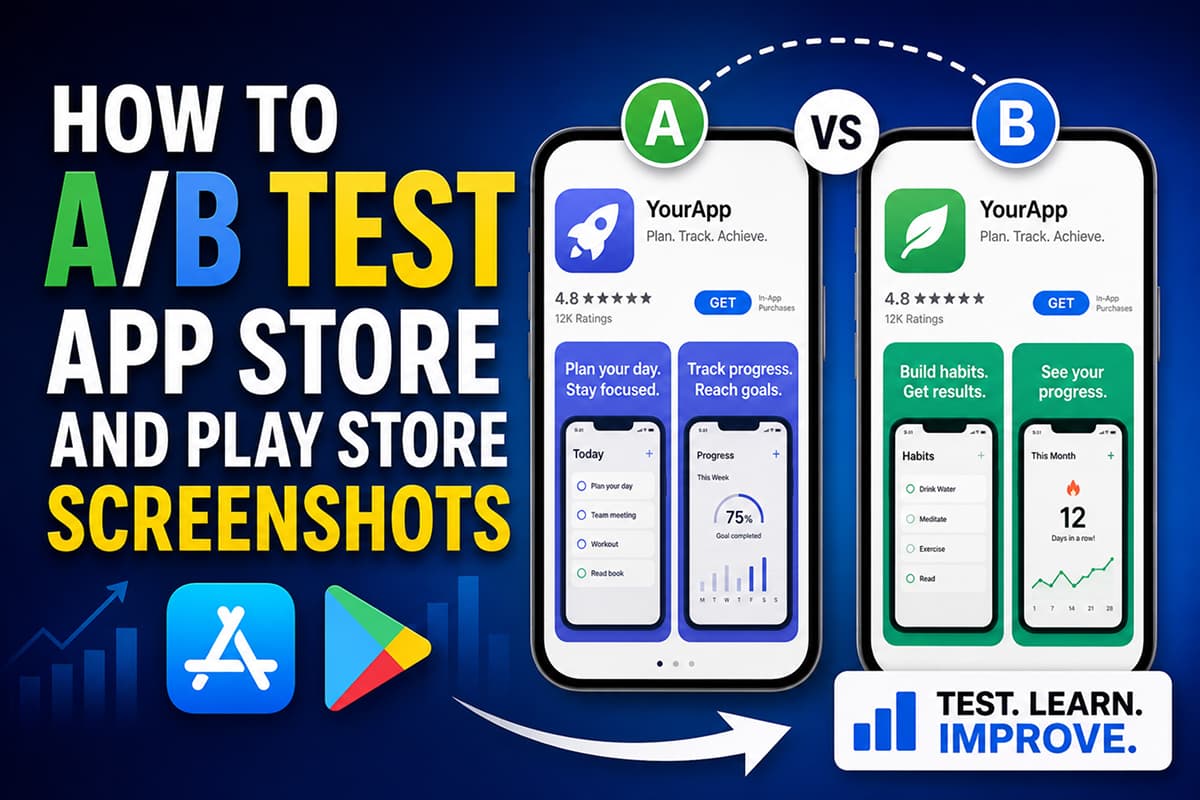
How to A/B Test App Store and Play Store Screenshots
A complete guide to running screenshot A/B tests on the App Store (Product Page Optimization) and Google Play (Store Listing Experiments) — what to test, how long to run, and how to read the results.
A/B testing screenshots is the single highest-ROI optimization you can run on a published app. Here is how to do it properly.
Both Apple App Store and Google Play have built-in A/B testing for store listings. Apple's feature is called Product Page Optimization (PPO). Google's is called Store Listing Experiments. Both let you serve different versions of your screenshots to different users and measure which converts better.
If you have a published app and you have never A/B tested your screenshots, you almost certainly have install conversion left on the table. This guide walks through the full process.
What you can test on each platform
Apple App Store — Product Page Optimization (PPO)
You can run up to three treatment variants against your original at the same time. Each variant can change:
- Screenshots (full set)
- App icon
- App preview videos
Apple splits traffic between the original and the variants and reports the conversion rate for each. Tests run in App Store Connect.
Google Play — Store Listing Experiments
You can run an experiment with up to three variants against your default listing. Variants can change:
- Screenshots
- Short description
- Long description
- App icon
- Feature graphic
- Promo video
Tests run in Play Console under Store Listing Experiments.
What to test, in priority order
Don't test everything at once. The biggest wins come from testing variables in this order:
- Screenshot 1 headline. The single highest-leverage variable on the entire listing. Test outcome-focused vs feature-focused, or short vs medium length.
- Screenshot 1 visual. Hero image style and color treatment. Bold solid background vs subtle gradient. Light vs dark.
- Order of screenshots. Move your strongest screenshot to position 1. Move your social-proof screenshot up.
- Device frame on / off. Sometimes the bare screen out-converts the framed phone, sometimes the opposite.
- App icon. Especially relevant for category-saturated apps where icon recognition matters.
- Localization variant. Test a localized version against an English-only version in non-English markets.
How to set up a clean test
The single biggest mistake in screenshot A/B testing is changing too much at once. If your treatment changes both the headline and the visual, you can't tell which one moved the needle.
Rules for a clean test:
- Change one variable at a time. Different headline. Same visuals. Or same headline, different visual.
- Run for at least 7 days. Below 7 days, day-of-week effects can mislead you.
- Wait for statistical significance. Both Apple and Google report confidence levels. Don't call a winner before the platform says it's significant.
- Test in your largest market first. You need volume for significance. Test where you already have install traffic.
How long do tests need to run
It depends on your impression volume:
- High traffic (10k+ store impressions/day): 7–14 days is usually enough.
- Medium traffic (1k–10k/day): 14–30 days.
- Low traffic (under 1k/day): 30+ days, and consider testing only large changes (different style entirely) since small variations won't move enough to detect.
If you don't have enough traffic for a credible test, focus first on growing impression volume (paid acquisition, content, ASO keyword optimization) and come back to A/B testing when you have signal.
Hypotheses worth testing
If you have never A/B tested screenshots, here are five hypotheses that frequently win on real listings:
- Outcome headlines beat feature headlines. Test "Know where your money went" against "Track your spending".
- Bolder colors beat subtle ones in search results. The eye picks out high-contrast thumbnails first.
- Showing real user data beats fake placeholder data. "42 habits tracked" is more credible than "__ habits tracked".
- Putting your strongest feature on screenshot 1 beats a generic hero. Lead with what only you do.
- Localized screenshots beat English in every non-English market. Test it. The lift is usually significant.
Reading the results
Both platforms report:
- Conversion rate per variant (impressions → installs)
- Lift over baseline as a percentage
- Confidence interval — typically reported at 90% or 95%
What "winning" means: a variant that beats baseline by more than the margin of error, with at least 90% confidence. If a variant is up 5% with a confidence interval of ±10%, it's noise — wait longer or run a different test.
What to do after a test ends
- If a variant won: Promote it to the live listing. Then design the next test based on what you learned (e.g. if outcome headlines won, test which type of outcome).
- If nothing won: Don't promote anything. Design a bigger test — change a more meaningful variable.
- If the original won: That's still useful information. Your current listing is solid for that variable. Test a different variable next.
Tooling tip: how to produce variants quickly
The reason most teams don't A/B test screenshots is that producing each variant takes too long. If every variant requires a designer in Figma plus another export pipeline, the test never ships.
Use a screenshot tool that lets you duplicate a project, change one variable, and export the variant in store-ready dimensions in minutes. Launch Shots is built for this — duplicate a project, swap the headline or visual, export in App Store and Play Store dimensions, then push the variant straight to App Store Connect or Google Play Console with Direct Upload, no zip files in between. Each variant takes about 10 minutes once your base set is built.
Design store-ready screenshots in minutes — free, no watermarks.
Launch Shots is free forever. Every template(110+), 220+ device frames plus 3D mockups, AI localization to 84 store languages, and direct upload to App Store Connect and Google Play Console. No credit card needed.
Start creating free →A simple A/B testing cadence
Set a quarterly cadence:
- Month 1: Test screenshot 1 headline.
- Month 2: Test screenshot 1 visual.
- Month 3: Test screenshot order.
One year of disciplined testing usually produces a 30–60% lift in install conversion on a previously un-optimized listing. There is no other single change you can make to your app that has the same return.