
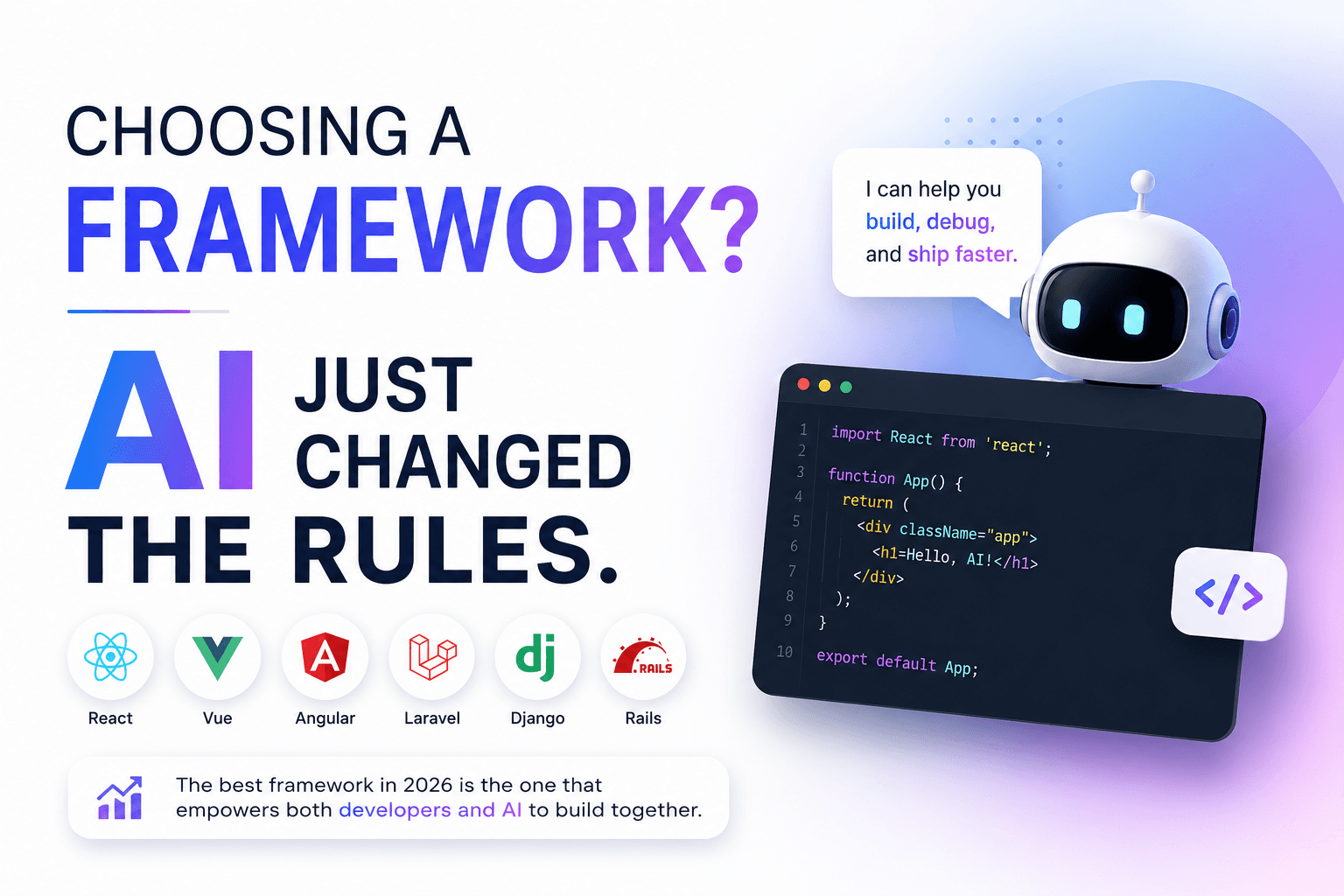
Choosing a Framework? AI Just Changed the Rules.
Not long ago, choosing a framework meant comparing docs and performance benchmarks. Today, AI coding assistants like ChatGPT, Claude, and Copilot have shifted what 'the right framework' actually means.
Not long ago, choosing a framework meant comparing documentation, performance benchmarks, community size, and long-term support. AI coding assistants have completely rewritten that calculus.
Developers used to spend days researching before committing to React, Vue, Angular, Laravel, Django, or Rails. Today, AI coding assistants like ChatGPT, Claude, GitHub Copilot, and Cursor have changed how we build software. They haven't eliminated the importance of framework selection — they've changed what "the right framework" actually means.
AI Makes Learning Faster
One of the biggest advantages AI brings is reducing the learning curve. Developers no longer need to memorize every API or spend hours searching Stack Overflow. AI can explain unfamiliar concepts, generate boilerplate code, and suggest fixes in seconds.
This means trying a new framework isn't nearly as intimidating as it was a few years ago.
Documentation Still Matters
AI is only as reliable as the information it has learned from. Frameworks with excellent documentation, clear examples, and consistent APIs generally produce better AI-generated code. Mature ecosystems also have thousands of GitHub repositories, blog posts, tutorials, and discussions that AI models have learned from.
Good documentation now benefits both humans and AI assistants.
Community Has a New Role
Large communities remain valuable, but for different reasons. Instead of helping you find answers manually, they help AI find better patterns.
A framework with an active community tends to have:
- More tutorials
- More example projects
- More discussions
- Faster discovery of bugs
- Better integrations
These factors improve both developer experience and AI assistance.
Consistency Beats Cleverness
Frameworks with predictable conventions are easier for AI to understand. When projects follow standard folder structures, naming conventions, and recommended practices, AI produces more accurate suggestions.
Highly customized architectures often confuse AI because there are fewer similar examples available.
AI Doesn't Replace Fundamentals
AI can generate code, but it doesn't make architectural decisions. Choosing a framework still depends on fundamental questions like:
- Does it fit your product?
- Will it scale?
- Does your team know it?
- Is the ecosystem healthy?
- Will it still be maintained in five years?
AI accelerates implementation — it doesn't replace engineering judgment.
Productivity Is Becoming a Selection Criterion
Previously, developers evaluated frameworks based on performance and popularity. Now another factor matters: How productive are developers when AI is involved?
A framework that allows AI to generate accurate code, identify bugs, and explain concepts may provide a larger productivity boost than one with slightly better benchmark numbers. Developer velocity increasingly matters more than theoretical performance gains.
The Best Framework Is Often the One AI Understands Well
This doesn't mean developers should blindly follow popularity. Instead, consider how effectively AI can assist throughout the project lifecycle:
- Generating components
- Writing tests
- Refactoring code
- Explaining unfamiliar APIs
- Fixing bugs
- Migrating between versions
The better AI understands a framework, the more value developers gain from modern coding assistants.
Final Thoughts
AI hasn't made framework selection irrelevant. Instead, it has expanded the evaluation criteria.
Performance, scalability, and ecosystem still matter. But documentation quality, convention over configuration, community knowledge, and AI compatibility now deserve a place in every framework comparison.
The best framework in 2026 isn't simply the fastest or the most popular. It's the one that enables both developers and AI to build software efficiently together.
Design store-ready screenshots in minutes — free, no export watermarks.
Launch Shots is free to start. Every template (110+), 220+ device frames plus 3D mockups, AI localization, and direct upload to App Store Connect and Google Play Console. No credit card needed.
Start creating free →